

When managing content-heavy WordPress sites or online stores, search is one of those elements that often gets overlooked — until it becomes a problem. Many site owners assume the default WordPress search is “good enough”. It works… technically. But as content volume increases and user behavior evolves, real limitations begin to surface.
Misspelled queries frequently lead to zero results. Product searches often return irrelevant listings. Filtering by taxonomy or metadata is either limited or unavailable. These seemingly minor issues can accumulate — leading to reduced user satisfaction, lower engagement, and missed conversion opportunities.
Enhancing WordPress Search with ElasticProbe
To address these challenges, many developers and site owners could turn to ElasticProbe — an open-source plugin that connects WordPress to Elasticsearch, a high-performance search engine designed for speed, scalability, and relevance.
ElasticProbe integrates behind the scenes, offering a way to enhance WordPress’s native search capabilities without replacing the frontend interface or content structure. Its modular features could allow site administrators to enable advanced search functionality such as:
- Typo-tolerant “Did You Mean” suggestions
- Faceted filtering based on taxonomy, post types, metadata, and custom fields
- WooCommerce integration for product and review search
- Relevant related content based on semantic context
- Real-time, instant search with no page reloads
- Gutenberg blocks for visual filter and search UI construction
These features are designed to make ElasticProbe a suitable solution for publishers, store owners, and knowledge base maintainers looking to improve the search experience.
SQL Search vs. Elasticsearch: Why It Matters
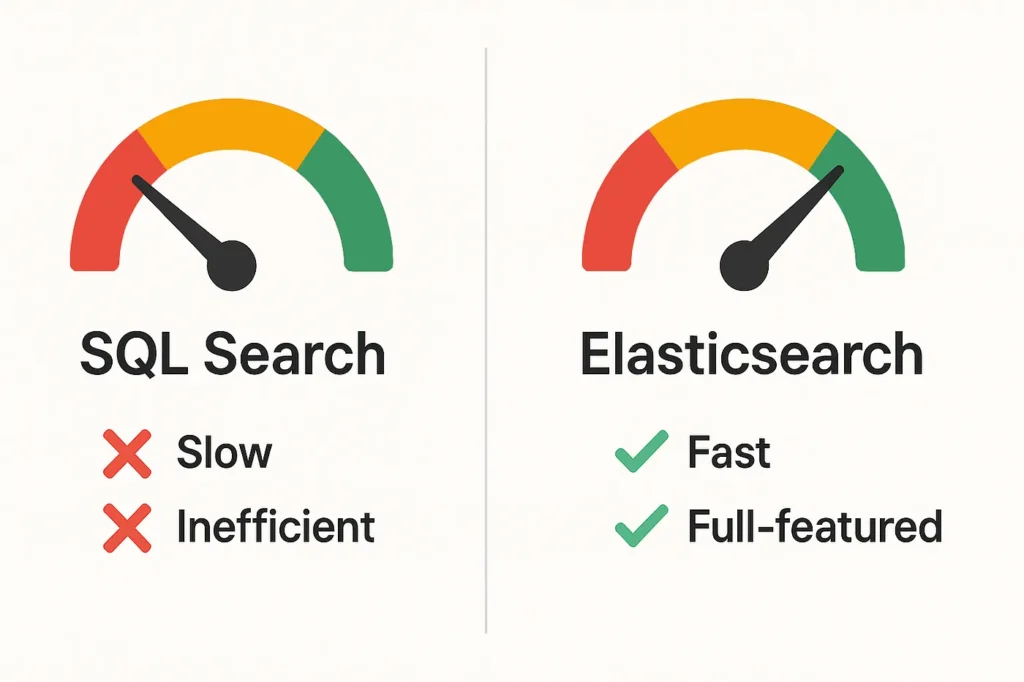
WordPress’s built-in search is powered by MySQL — a general-purpose relational database not optimized for complex search operations. As a result, MySQL search:
❌ Matches only exact keywords.
❌ Lacks relevance-based ranking.
❌ Performs slowly as content grows.
❌ Consumes database resources needed for other site functions.
By contrast, Elasticsearch is a dedicated search engine built for full-text indexing and retrieval. It offers:
✅ High-speed indexing and query execution.
✅ Fuzzy matching, stemming, and typo correction.
✅ Custom scoring and result weighting.
✅ Superior performance at scale.
ElasticProbe is designed to bridge this gap by indexing WordPress content into Elasticsearch and replacing default search queries with optimized API calls to the search engine.
Offloading Search for Better Performance
One key architectural benefit of ElasticProbe is that it allows developers to offload all search processing to an external Elasticsearch server. This server can be self-hosted or managed through ElasticProbe’s own cloud infrastructure.

By decoupling search from the core WordPress site, this approach could provide several performance advantages:
✅ Reduced strain on the SQL database
✅ Faster page loads, especially during peak traffic
✅ More efficient and accurate search results
✅ Scalability across large product catalogs or post archives
This design helps ensure that search performance remains consistent, regardless of content size or visitor traffic.
Potential Use Cases Across WordPress Applications

ElasticProbe’s capabilities could be applied across a wide variety of WordPress scenarios:
- For publishers: Search might surface relevant articles by topic, author, or date, helping readers discover more content.
- For WooCommerce stores: Customers could use real-time filtering to find products by price, stock, attributes, and categories.
- For internal portals: Staff could search protected or draft content with the same efficiency as public-facing content.
Its modular design means developers can tailor the search experience without overhauling templates or installing multiple third-party solutions.
Getting Started with ElasticProbe
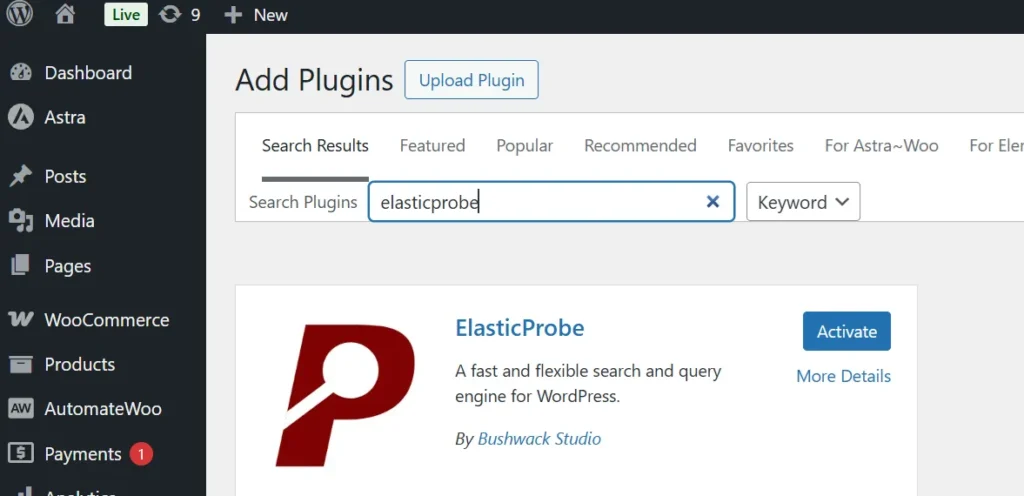
For those interested in trying ElasticProbe, setup involves:
- Installing the plugin from the WordPress plugin directory
- Connecting to an Elasticsearch server (self-hosted or ElasticProbe-hosted depending on your chosen plan)
- Syncing selected content types — posts, products, custom fields, comments, etc. — to the Elasticsearch index
- Enabling optional features such as filters, typo handling, related posts or instant results
- Using Gutenberg blocks or shortcodes to place search widgets and filtering tools on the site
The plugin is actively maintained by Bushwack Studio and is based on a fork of ElasticPress, with a focus on fair pricing, modularity and long-term stability.
Conclusion
Search plays a critical role in how users interact with content-heavy websites. While WordPress offers flexibility in content creation, its default search capabilities can fall short — particularly at scale.
ElasticProbe offers the potential to solve this by integrating Elasticsearch into WordPress, enabling intelligent, fast, and flexible search without disrupting site architecture. For developers and teams looking to improve discoverability and performance, ElasticProbe presents a capable and open-source option worth exploring.